
tTV Touch2.8.4 - App Store
You'll be able to see results in few seconds.
Publisher Description
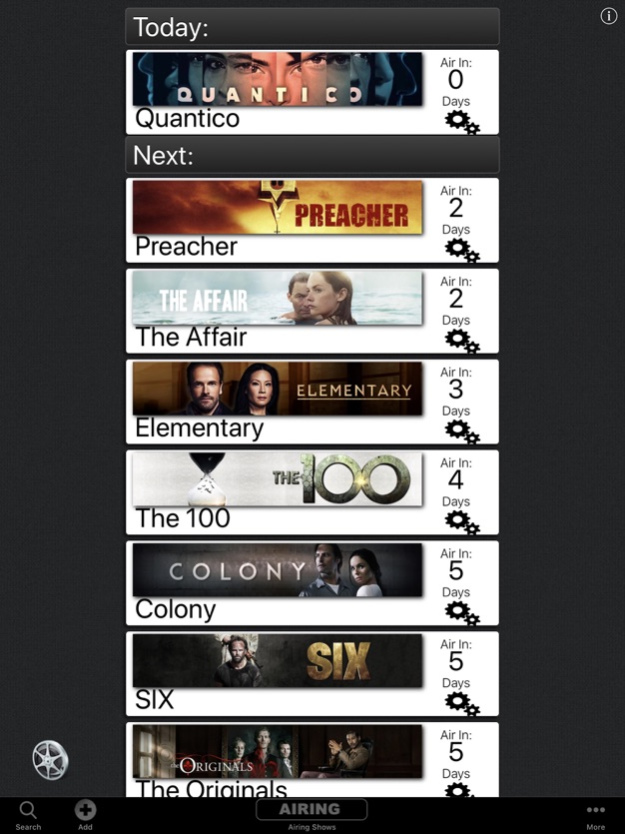
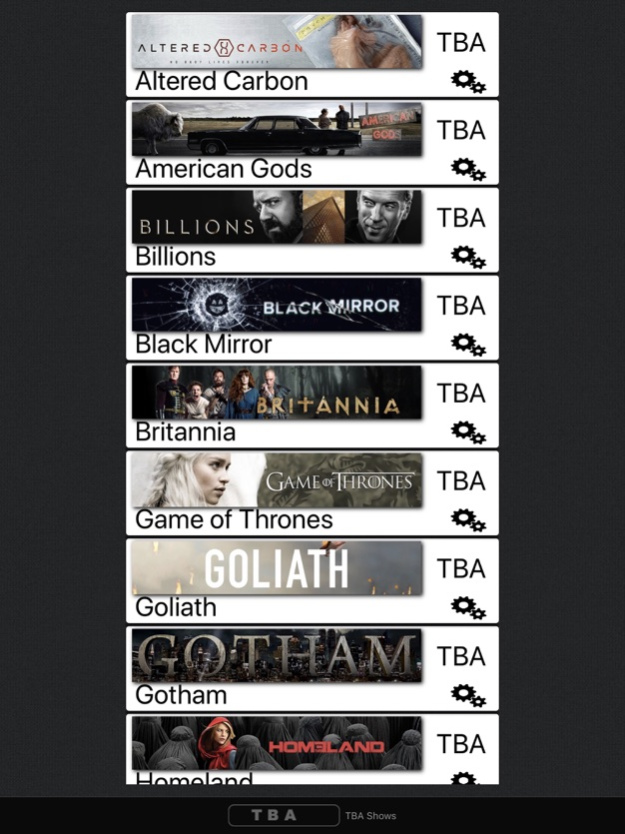
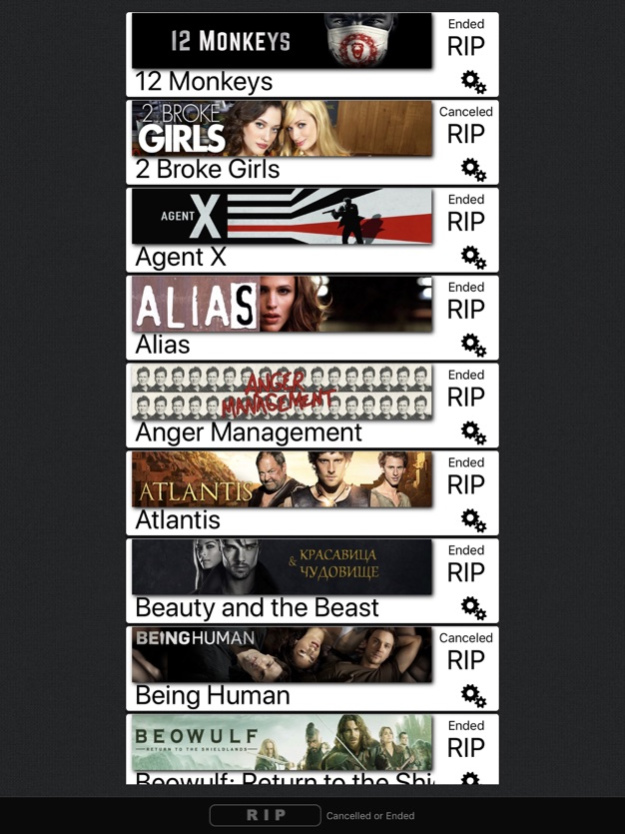
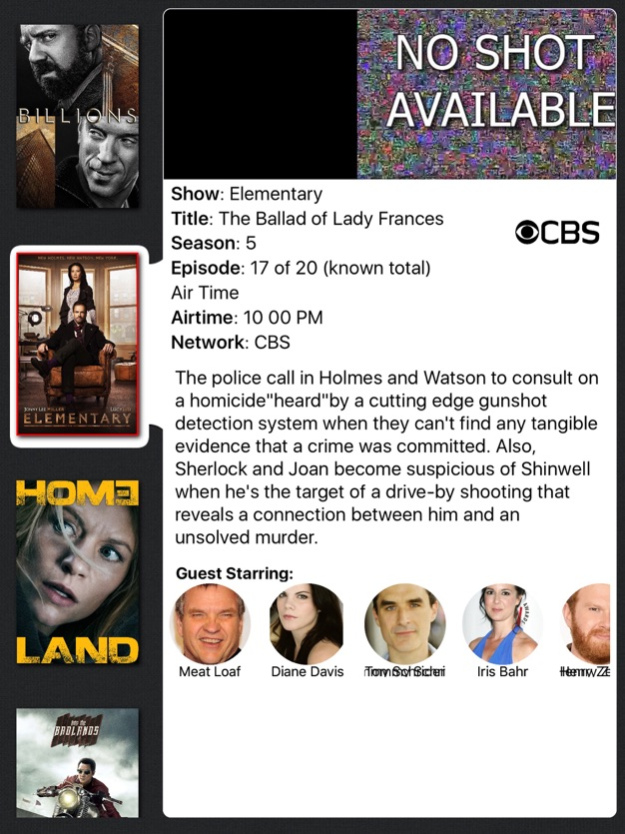
tTV Touch is your App of choice if you like to watch and track your favorite TV Shows with a simple, easy to use and pretty User Interface. You can simply add , edit your favorite TV Shows, track its current Season, get Notified about airing Shows for today etc.
tTV Touch doesn't attempt to be an as much functions and Info as possible into your Layout, it strips all the relevant Information to provide you only those who matter, so tTV Touch tries to keep its usage as simple as possible and reliable.
tTV Touch is not location bound, so it doesn't rely on the airing time, while this differs from Country to Country, but at least it calculates the airing day for you, so no matter how you use to watch your Shows, it should fit.
tTV Touch sorts your Shows into Groups related to their Status, so at the main view, you see only the Shows that are currently airing, other Shows are either in the TBA or the RIP Section, yo you can easily find what you are looking for.
And tTV Touch uses iCloud for sync, so if you use tTV Touch on other Devices, everything is in sync, even with tTV on MacOS.
tTV Touch also provides Notifications about new Seasons, season ended or if a whole show was cancelled or ended, so you will know it as soon as the Status is official.
To see a Demo Video of tTV Touch in action, plz visit the Product Website, its more than 1 Minute long, so cannot be shown here...
May 1, 2022
Version 2.8.4
- a maintenance update fixing various visual issues
About tTV Touch
The company that develops tTV Touch is Serge Sander. The latest version released by its developer is 2.8.4.
To install tTV Touch on your iOS device, just click the green Continue To App button above to start the installation process. The app is listed on our website since 2022-05-01 and was downloaded 0 times. We have already checked if the download link is safe, however for your own protection we recommend that you scan the downloaded app with your antivirus. Your antivirus may detect the tTV Touch as malware if the download link is broken.
How to install tTV Touch on your iOS device:
- Click on the Continue To App button on our website. This will redirect you to the App Store.
- Once the tTV Touch is shown in the iTunes listing of your iOS device, you can start its download and installation. Tap on the GET button to the right of the app to start downloading it.
- If you are not logged-in the iOS appstore app, you'll be prompted for your your Apple ID and/or password.
- After tTV Touch is downloaded, you'll see an INSTALL button to the right. Tap on it to start the actual installation of the iOS app.
- Once installation is finished you can tap on the OPEN button to start it. Its icon will also be added to your device home screen.
Program Details
System requirements
Download information
Pricing
Version History
version 2.8.4
posted on 2022-05-01
May 1, 2022
Version 2.8.4
- a maintenance update fixing various visual issues
version 1.5.4
posted on 2016-09-20
Disclaimer
Official App Store Link
We do not host tTV Touch on our servers. We did not scan it for viruses, adware, spyware or other type of malware. This app is hosted by Apple and passed their terms and conditions to be listed there. We recommend caution when installing it.
The App Store link for tTV Touch is provided to you by apps112.com without any warranties, representations or guarantees of any kind, so access it at your own risk.
If you have questions regarding this particular app contact the publisher directly. For questions about the functionalities of apps112.com contact us.
